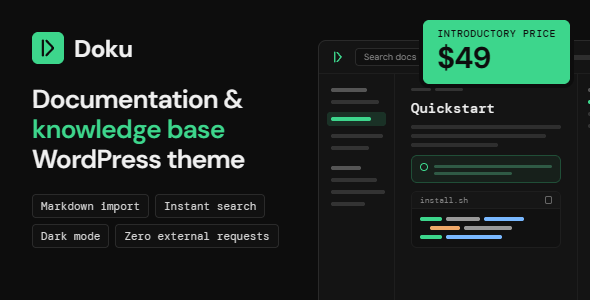
Description
Doku – Software Documentation & Knowledge Base WordPress Theme
Doku – Software Documentation & Knowledge Base WordPress Theme is built from the ground up for software documentation, developer portals, API references and internal knowledge bases — the three-column layout, the instant search, the code blocks and the Markdown importer are the product, not add-ons.
Features:
- Hierarchical sidebar that opens to the page a reader is on and collapses the rest, grouped under your own section headings — give a top-level menu item no destination and it becomes the uppercase label over the links beneath it, the same shape the automatic category tree uses, which also nests each doc under its parent doc
- Sticky table of contents that tracks the reader’s position through the page as they scroll, and slides in from the side on phones
- Dark mode with a three-way header toggle — light, dark, or follow the operating system. System keeps following as the reader changes it, their choice is remembered, and the page never flashes white on load
- Breadcrumbs on docs and blog posts alike, using Yoast or Rank Math when installed, with a built-in fallback when they aren’t
- Previous / next navigation through each category, in your chosen order
- Tags at the end of each doc, each opening a page of every doc that shares it
- Browsing from every listing page — the docs index, each category, version, product and tag page, search results and the 404 page list your categories, versions, tags and products beside the docs, with counts, so readers move between them without setup
- Copy-to-clipboard anchor links on every heading
- Version dropdown for sites documenting multiple releases — in the header on desktop, in the navigation drawer on phones and tablets, with each version getting its own index page. Styled to match the rest of the header rather than falling back to the browser’s own control, in both light and dark mode
- Three-level header menus that open on hover, on tap and from the keyboard — every parent carries its own chevron button, so the dropdowns work on a touchscreen laptop as well as under a mouse, and a drawer keeps every link reachable on small screens