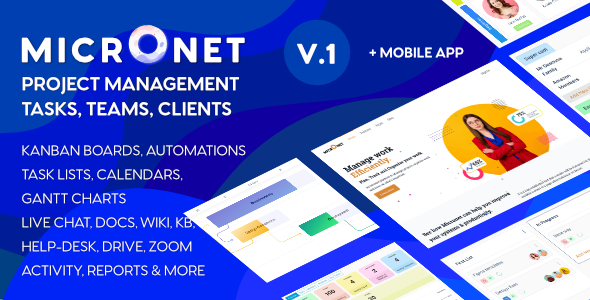
Description
Micronet Work Management WordPress Theme
Project management
- Create unlimited projects
- Assign members or invite members into the project
- c. Track all activity that happens in the project
- Add Project notices and notify members
- Set Project statuses, add custom project statuses
- Set capabilities who can create project, complete project, delete project.
- Project progress based on tasks / milestones / time
- Custom Project fields
- Grid and List view with selectable fields.
- Project start and end dates
- Integration with Drive, Discussion, Knowledge Base
- Gantt Charts with Project milestones & dependencies
- Project reports, Task reports
Task management
Create unlimited Kanban Boards per project.
- Gantt Charts for Task planning.
- Task Lists sortable by property
- Task Calendar
- Create unlimited Tasks
- Custom Task statuses
- Custom Task fields
- Capabilities , who can create tasks & watch tasks.
- Task dates, labels, lists,members, activity, comments, attachments and Checklists.
- Filter Tasks by title,date,members,status,labels etc.
- See Task statistics.
Member management
- Create Client Portals
- Categorise members into member types
- Create unlimited member teams.
- Track time spent by users on tasks
- Track user activity inside projects
Automations
-
- Project automations
- Task automations
- Bulk Actions perform on cards.
Reporting
-
-
- Reports
- Project reports.
- Task reports.
- Member reports.
-
Extensions :
-
-
- AI Project Manager [coming up]
- Time Tracking
- Invoice Generation
- Work Load Tracking
-
WordPress Integrations
-
-
- WooCommerce
- BBPress
- Knowledge Base
- Zoom / BBB / Jitsi
-
External Integrations
-
-
- WhatsApp Notifications
- Slack Notifications
- GitHub triggers
- Zapier Connect
- PabblyConnect
- Mailchimp / SendGrid / Aweber
-