Description
Qbranch – Multi Branch Add-on for QrexOrder | Branch Wise Staff, Orders,Rep
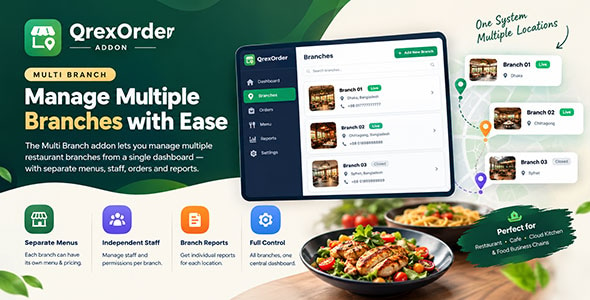
Qbranch – Multi Branch Add-on for QrexOrder | Branch Wise Staff, Orders,Rep turns a single QrexOrder shop into a multi location business. Run as many branches as your plan allows under one account, one menu and one admin panel — while every branch keeps its own staff, orders, tables and reporting.
What you get
Unlimited branches under one account
Create a branch for every location you run. Give each one its own name, phone number and address. Set one as your main branch, and deactivate any branch temporarily without losing its data.
Branch wise staff
Assign staff to one branch or several. Staff only ever see the branches they belong to — across orders, POS, the kitchen display and reports. Promote someone to branch manager to give them authority over their own branch without making them an account owner.
Branch wise orders
Every order is tagged with the branch it belongs to, from the moment it is placed. Dine-in orders take the branch of the table that was scanned. Pickup and delivery orders take the branch the customer chose.
Branch wise tables
Assign each table to a branch. A customer scanning that table’s QR code is pinned to the branch automatically — they see the correct menu and their order reaches the correct kitchen, with no choice to get wrong.
Branch wise menu
Limit any item, package, speciality or course menu to specific branches. Perfect when one location serves a dish the others do not. Leave the branch selection empty and the item is available everywhere.
An optional restricted mode flips this around: an item with no branch assigned appears at no branch until you explicitly assign one. Useful when most of your menu is location-specific.
Branch switcher
A branch selector sits in the top bar of your admin panel. Whatever you select scopes the whole panel — order lists, POS, kitchen display, reports and dashboard. Owners can switch to All branches to see the whole business at once.